> ## Documentation Index
> Fetch the complete documentation index at: https://docs.salesbricks.com/llms.txt
> Use this file to discover all available pages before exploring further.
# Taxed States
## Overview
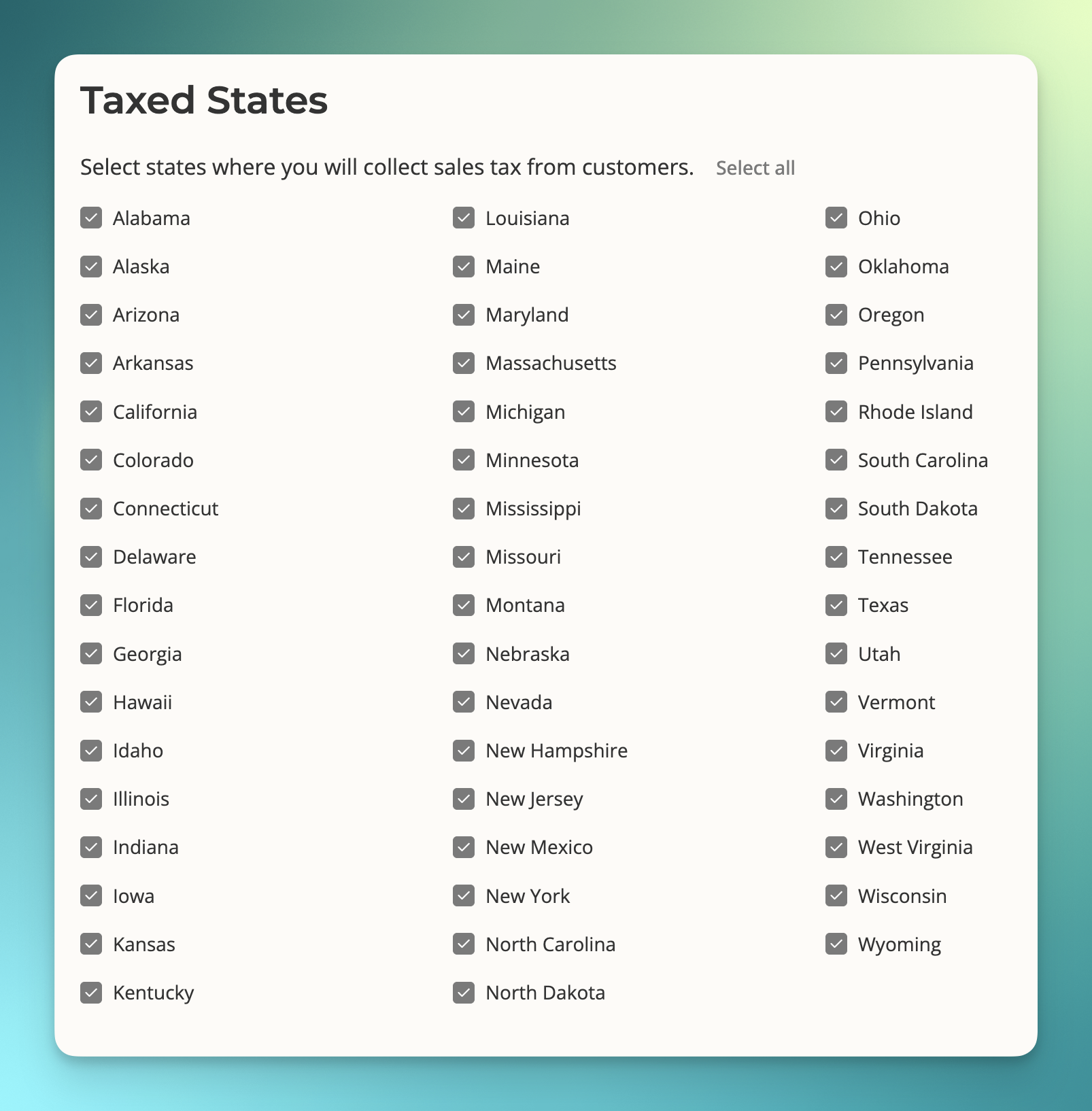
Sellers have the option to set up tax collection on a state-by-state basis.
 ## Setup
**1.** Sellers can enable or disable tax collection settings through the Finance page:
**2.** Navigate to Settings -> Finance.
**3.** Edit the finance settings.
**4.** Locate the **Taxed states** section.
**5.** Toggle individual states on or off to enable or disable tax collection.
**6.** Save changes to update tax collection preferences.
All **existing** sellers, by default, have sales tax collection **on** for all states.
All **new** sellers, by default, have sales tax collection **off** for all states.
Please read the **Actions** section below for more details and next steps.
## Actions
* **New sellers:** When a seller creates a new account on Salesbricks, tax collection is disabled for all states. They must navigate to the Finance page to enable tax collection in the states where they wish to collect taxes.
* **Existing sellers:** All states remain enabled for tax collection unless they choose to disable specific states manually.
## Impact of changing state tax settings
* Tax calculation is based on the **nexus** between your company's location and the state in which your customer is located.
* **Enabling a state:** When a seller enables tax collection in a state, the system will automatically begin collecting and remitting sales tax for transactions in that state.
* **Disabling a state:** When a seller disables tax collection in a state, sales tax will no longer be collected for transactions in that state.
## Setup
**1.** Sellers can enable or disable tax collection settings through the Finance page:
**2.** Navigate to Settings -> Finance.
**3.** Edit the finance settings.
**4.** Locate the **Taxed states** section.
**5.** Toggle individual states on or off to enable or disable tax collection.
**6.** Save changes to update tax collection preferences.
All **existing** sellers, by default, have sales tax collection **on** for all states.
All **new** sellers, by default, have sales tax collection **off** for all states.
Please read the **Actions** section below for more details and next steps.
## Actions
* **New sellers:** When a seller creates a new account on Salesbricks, tax collection is disabled for all states. They must navigate to the Finance page to enable tax collection in the states where they wish to collect taxes.
* **Existing sellers:** All states remain enabled for tax collection unless they choose to disable specific states manually.
## Impact of changing state tax settings
* Tax calculation is based on the **nexus** between your company's location and the state in which your customer is located.
* **Enabling a state:** When a seller enables tax collection in a state, the system will automatically begin collecting and remitting sales tax for transactions in that state.
* **Disabling a state:** When a seller disables tax collection in a state, sales tax will no longer be collected for transactions in that state.